
See it in action
Manual vs. Timbre
The same 10-minute video. One takes hours of hunting and dragging. The other takes seconds.
Search for B-roll clips
Stock sites, hard drive, folders…
Scrub through A-roll
Find the right moments manually
Drag, trim & align
Timeline work in Premiere / DaVinci
Export & re-render
Hope nothing broke
2h 35 min
per video, every time
Product walkthrough
Matched to "let me show you" · 0:42
Office team shot
Matched to "our team" · 1:18
Close-up detail
Matched to "look at this" · 2:04
Establishing shot
Matched to "based in" · 3:31
~30 seconds
upload to export, done
What you get
Every gap filled.
Every time.
Finds the right moments automatically
The AI reads your transcript and understands what’s happening, then picks clips that actually fit. You don’t have to hunt with keywords or tag everything manually.
Clips land where they should
They show up at natural pauses or when the topic shifts, not in the middle of a sentence. It feels intentional, not forced.
Use your footage or pull from stock
You can bring your own clips, screen recordings, or use the built-in library. Everything gets placed where it makes sense.
Simple from start to finish
You can preview quickly, tweak timing, swap clips, or reorder things without fighting a timeline. Then export when it looks right.
Why it converts
B-roll done in
minutes, not hours.
Hunting for clips, dragging them in, trimming the edges can easily take 2 to 3 hours per video. Timbre takes care of that in the background.
- No editing experience needed
- No footage? Use our built-in stock library
- Upload, match, and export. That’s really all there is to it.
Step 01
Upload your video
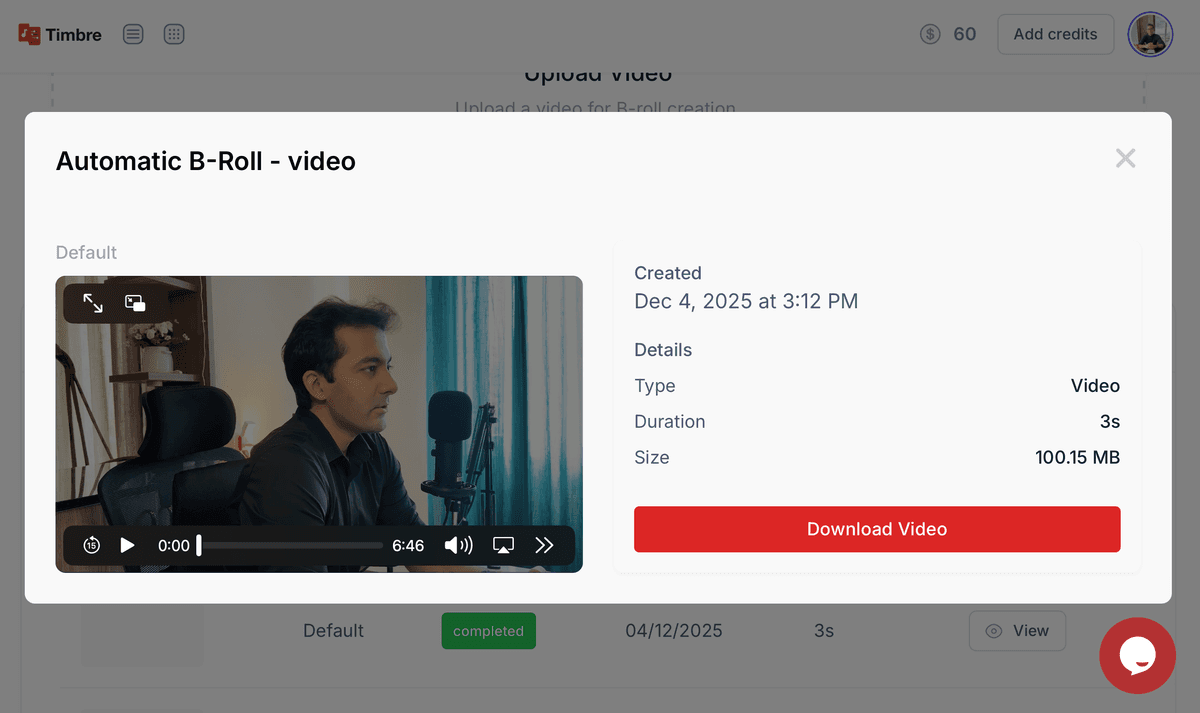
Drop any long-form video — interview, podcast, webinar. No length limit, any format accepted.
Time saved
2–3h
per video hour
Speed vs manual
10×
faster placement
Deep dive
Everything
you need to know.
What can you do with it?
- →Add visuals to interviews and talking heads
- →Enhance tutorials with screen overlays
- →Turn monologues into engaging reels
- →Break long videos into short visual clips
Smarts under the hood
- →Keyword detection + emotion modeling
- →Auto-sync with speech rhythm
- →Optional branded B-roll library
- →Works with subtitles and captions
Plug and play. It just works.
- →Works with Timbre Web Editor
- →Native in Premiere Pro Plugin
- →Auto-enabled for Clip Generator workflows