
Perfect
Eye Contact.
Instantly.
Stay camera-ready while reading, thinking,
or multitasking.

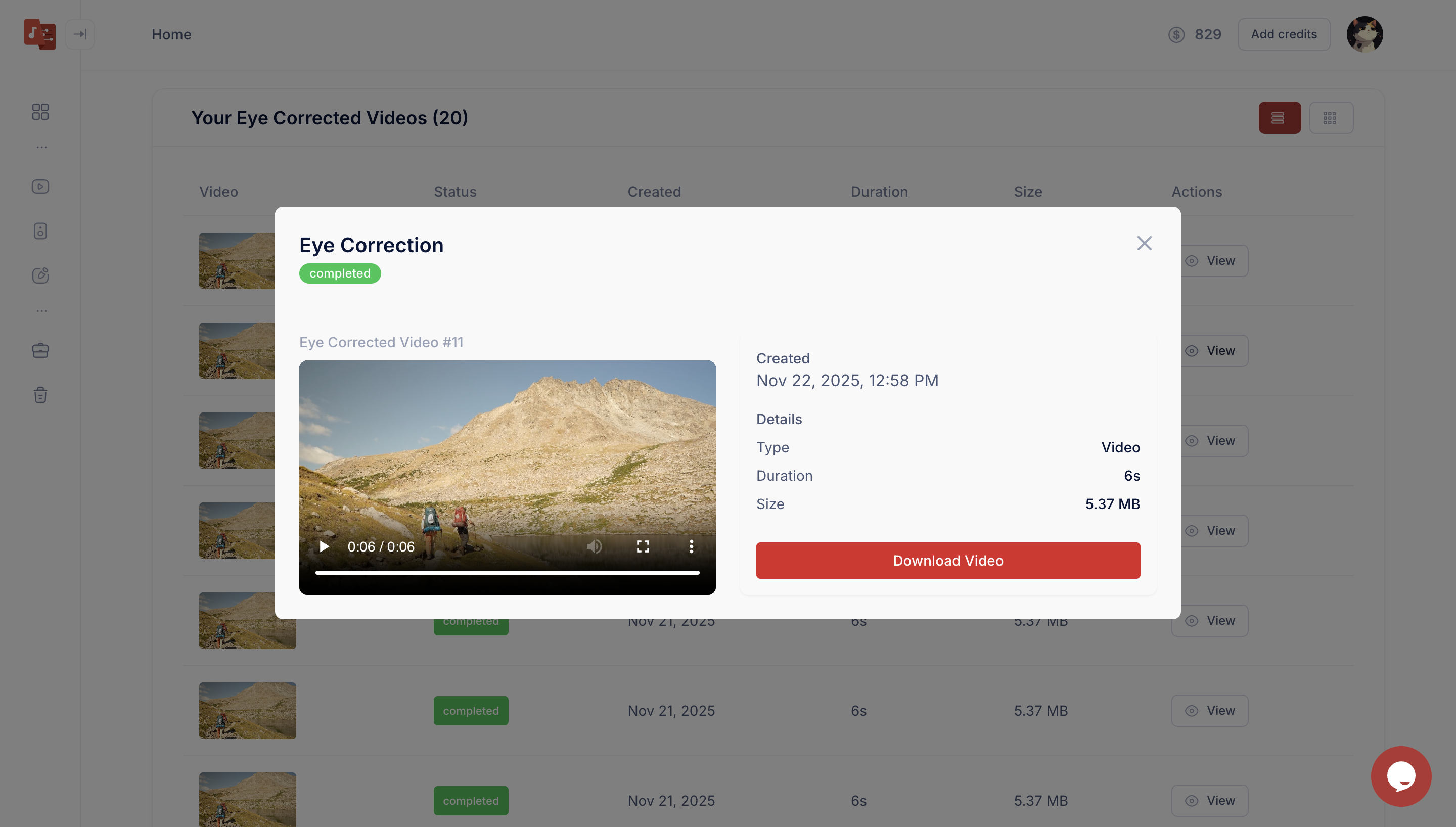
See it in action
Your eyes. On camera.
Every frame.
Gaze drifts — viewer feels disconnected
Natural, confident — always on camera
Correction time
~2 min per 10 min video
vs. manual
5× faster
Reshoots needed
Zero
How it works
Three steps.
Then you're done.
No manual work. No timeline scrubbing. Upload and it handles the rest.
Step 01
Upload your video
Works with webcam, DSLR, or mobile footage. Upload in seconds with no setup required.
Step 02
Timbre scans every frame
Timbre AI analyzes your face and eye direction frame by frame with precise tracking.
Step 03
Gaze corrected instantly
Your gaze is adjusted to stay camera aligned while keeping expressions natural and realistic.
What you get
Built for creators
who hate reshooting.
Frame-level gaze mapping
Timbre AI tracks eye direction and face angle on every frame for consistent alignment.
Natural, distortion-free output
Subtle adjustments keep your gaze natural while preserving expressions and avoiding visual artifacts.
Ready in minutes
Upload your footage and get corrected results quickly with no manual editing required.
Fits your workflow
Runs entirely in your browser with no setup or installation required.
Why it converts
Perfect eye contact.
Every frame.
Timbre keeps your gaze aligned so you stay natural and camera-ready.
- No reshoots or awkward angles required
- Eye contact builds trust and increases conversions
- Works across scripts, teleprompters, and off-camera glances
Upload footage from webcam, DSLR, or mobile in seconds with no setup.
podcast_ep12.mp4
48:22 · 2.3 GB
Time saved per hour
3–5 hrs
Speed vs manual
5×
Deep dive
Everything
you need to know.
Who needs this?
- →Podcasters reading notes or scripts during recording
- →Founders creating pitch or demo videos without extra help
- →Course creators who want a more direct and engaging presence
- →Sales reps sending async videos that feel clear and personal
How accurate is the correction?
- →Timbre AI tracks eye position and head movement on every frame
- →Adjustments stay within natural limits to avoid artificial motion
- →Performs reliably across different lighting and camera distances
- →Handles glasses, partial occlusion, and angled shots effectively
Where can I use it?
- →Available in the browser based editor with no setup required
- →Works with captions, B roll, and clips in one workflow