
Viral clips from podcasts
Timbre detects the strongest moments and delivers clips ready to post
Try Podcast Clips
See it in action
Turn one episode into ten clips.
Timbre_guest1.mp4
2 hrs · 3.1 GB
The year one mistake founders make
Hiring fast kills culture
Consistency beats talent
The 10 minute habit that works
What no one tells you about seed rounds
Clips per episode
5–10 clips
vs. manual
5× faster
Editing needed
Zero
How it works
Four steps. You're done.
Upload once. AI handles clipping, scoring, and export.
Step 01
Upload your episode
Drop any video file. No setup required.
Step 02
Timbre analyzes your content
Detects speakers, topics, and key moments instantly.
Step 03
Moments scored by confidence
Each clip gets a clear score from one to ten.
Step 04
Clips ready to post
Export clips with titles, hooks, and captions included.
What you get
Built for creators who hate editing.
Speaker aware extraction
Understands the full conversation so clips stay natural and continuous without cutting thoughts in the middle.
Engagement scoring 0 to 100
Shows which clips to post first based on sentiment, topic strength, pacing, and hook clarity.
Ready in minutes
Upload a long episode and get a full set of clips without manual trimming or timeline work.
Platform ready captions
Each clip includes hook, title, description, and hashtags formatted for major platforms.
Why it works
Your best clips.
Every episode.
Timbre automatically finds the moments your audience will share every time you upload.
- No manual timestamping or scrubbing required
- Timbre AI scores every segment so you post the best first
- Works across interviews, solo shows, and panels
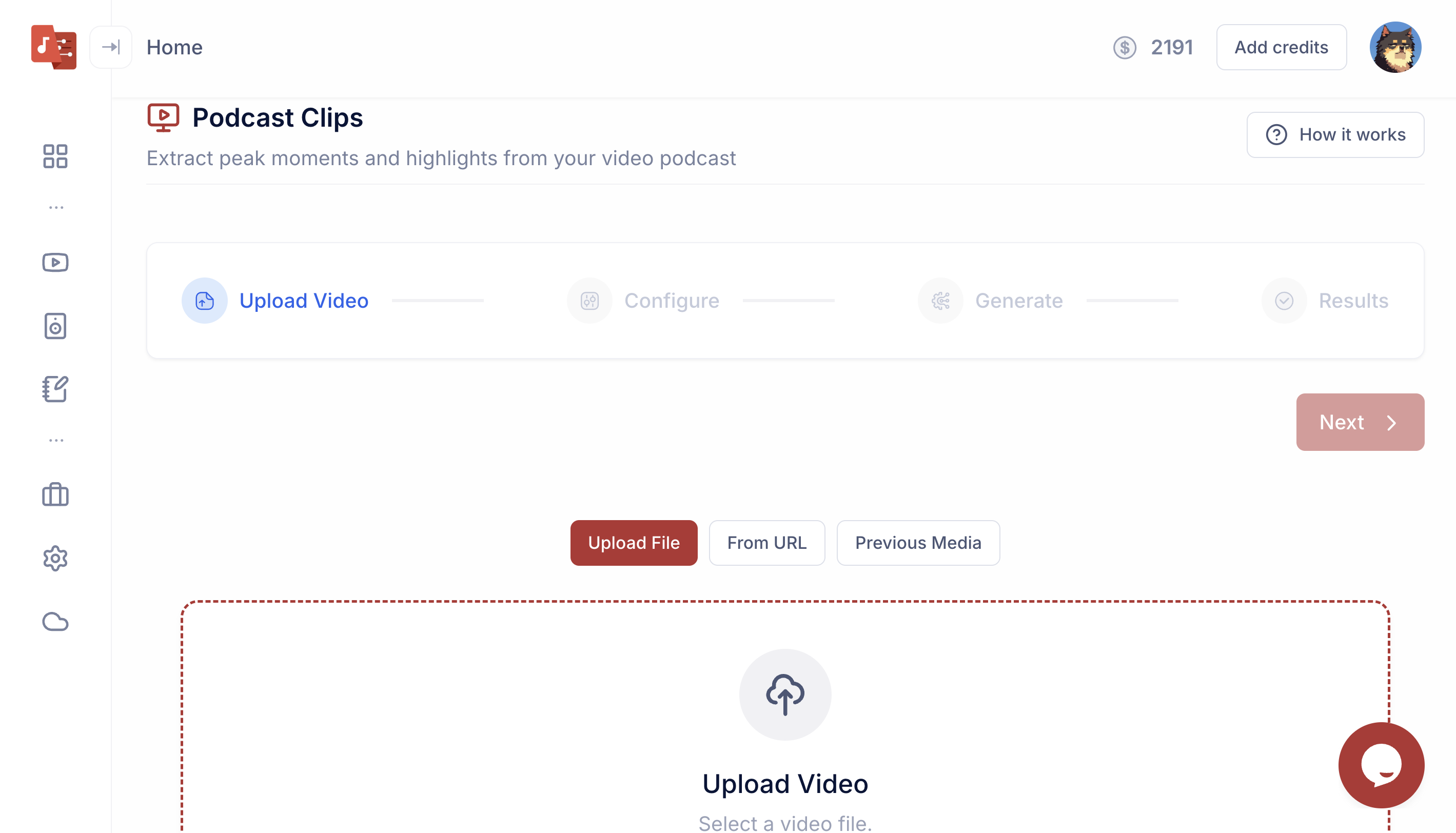
Drop an MP4, MOV, or audio file. Works with any recording setup, no setup required.
timbre_podcast.mp4
2:04:38 · 3.1 GB
Clips per episode
5–10
Speed vs manual
5×
Deep dive
Everything
you need to know.
Who is this for?
- →Podcasters creating more content from each episode
- →Founders sharing demos and updates
- →Course creators turning lessons into highlights
- →Sales reps converting calls into short async clips
How accurate is the scoring?
- →Scores each segment from 0 to 100
- →Reflects sentiment, clarity, and hook strength
- →Handles multiple speakers with attribution
- →Works across interviews, solo shows, and panels